



Subscribe to our newsletter
Get the latest updates on new products and upcoming sales
'25OFF' orders over £500 + '50OFF' orders over £1000

Call Us On
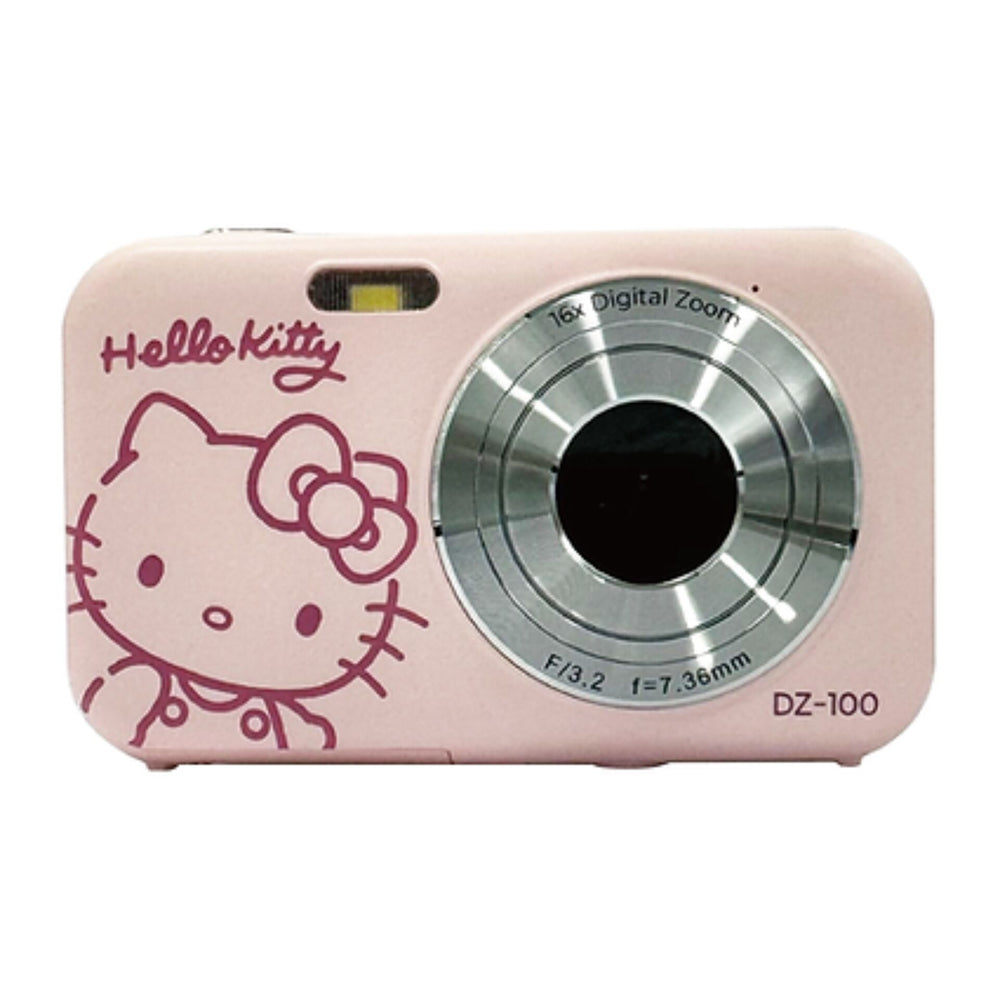
A Must-Have for True Hello Kitty Fans: The Hello Kitty camera is the perfect companion to capture the special moments of life. Whether in the city or in nature, this camera is both robust and stylish. With its charming design, it combines Hello Kitty and practical technology.
Easy to Use and Vivid Pictures
The camera is designed to be used effortlessly by anyone, from beginners to experienced photographers. The vivid pictures are rich in details and colors, making every shot come alive. This makes the camera a great gift for Hello Kitty fans and photography enthusiasts.
Perfect for Every Moment
With this camera, you can capture special moments, whether it's a family gathering, a day with friends, or a quiet moment in nature. The YASHICA DZ100 Hello Kitty is more than just a camera; it's a way to express your personality and creativity.
Features:
We have a 14-day return policy, which means you have 14 days after receiving your item to request a return.
To be eligible for a return, your item must be in the same condition that you received it, unused, with packaging in tact. You’ll also need the proof of purchase or order number.
To start a return or to ask any questions about returns you can contact us at sales@hdewcameras.com or call us on 02086695668. Please note that returns will need to be authorised before you send the item to us. In this case the product must be unused and returned with a trackable postal service. Please note neither we or the supplier can cover the costs of returning an unwanted item. If you do want to return it please make contact first.
Get the latest updates on new products and upcoming sales
Thanks for subscribing!
This email has been registered!


You have copied the placement for the Product Page.
Go back to the App Embeds section, and in the Paypal Advanced Settings, paste the copied value into the Product Page field and click the 'Save' button in the top right corner.