



Subscribe to our newsletter
Get the latest updates on new products and upcoming sales

Call Us On
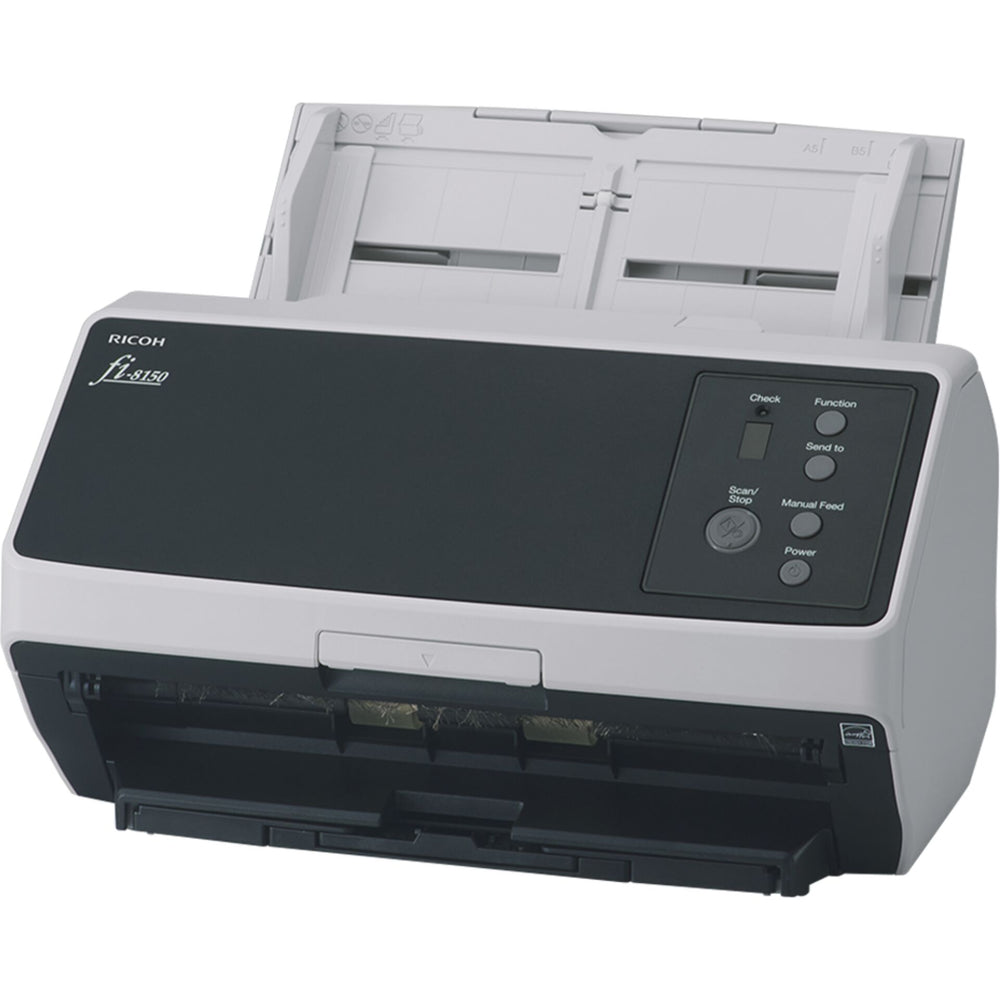
If you regularly digitise documents, the Ricoh fi-8150 offers a reliable solution for your daily work. The image processing ensures clear results, while the automatic feeder handles mixed stacks smoothly. Its compact design fits easily on any desk and supports you in quickly capturing various types of documents.
Efficiently designed
The Clear Image Capture technology ensures consistent image quality and improves text recognition. The scanner automatically adjusts the feed behaviour to the paper weight, helping to avoid misfeeds. Even if documents are inserted at an angle, the scan remains complete without needing to restart.
For your digital workflow
With a duplex speed of up to 100 pages per minute, you work quickly and without interruptions. The multifeed detection distinguishes between actual double feeds and small attachments such as cards or labels. The integrated USB and LAN interface enables fast data transfer, while the ergonomic tray simplifies post-processing.
Features:
We have a 14-day return policy, which means you have 14 days after receiving your item to request a return.
To be eligible for a return, your item must be in the same condition that you received it, unused, with packaging in tact. You’ll also need the proof of purchase or order number.
To start a return or to ask any questions about returns you can contact us at sales@hdewcameras.com or call us on 02086695668. Please note that returns will need to be authorised before you send the item to us. In this case the product must be unused and returned with a trackable postal service. Please note neither we or the supplier can cover the costs of returning an unwanted item. If you do want to return it please make contact first.
Get the latest updates on new products and upcoming sales
Thanks for subscribing!
This email has been registered!


You have copied the placement for the Product Page.
Go back to the App Embeds section, and in the Paypal Advanced Settings, paste the copied value into the Product Page field and click the 'Save' button in the top right corner.