



Subscribe to our newsletter
Get the latest updates on new products and upcoming sales
'25OFF' orders over £500 + '50OFF' orders over £1000

Call Us On
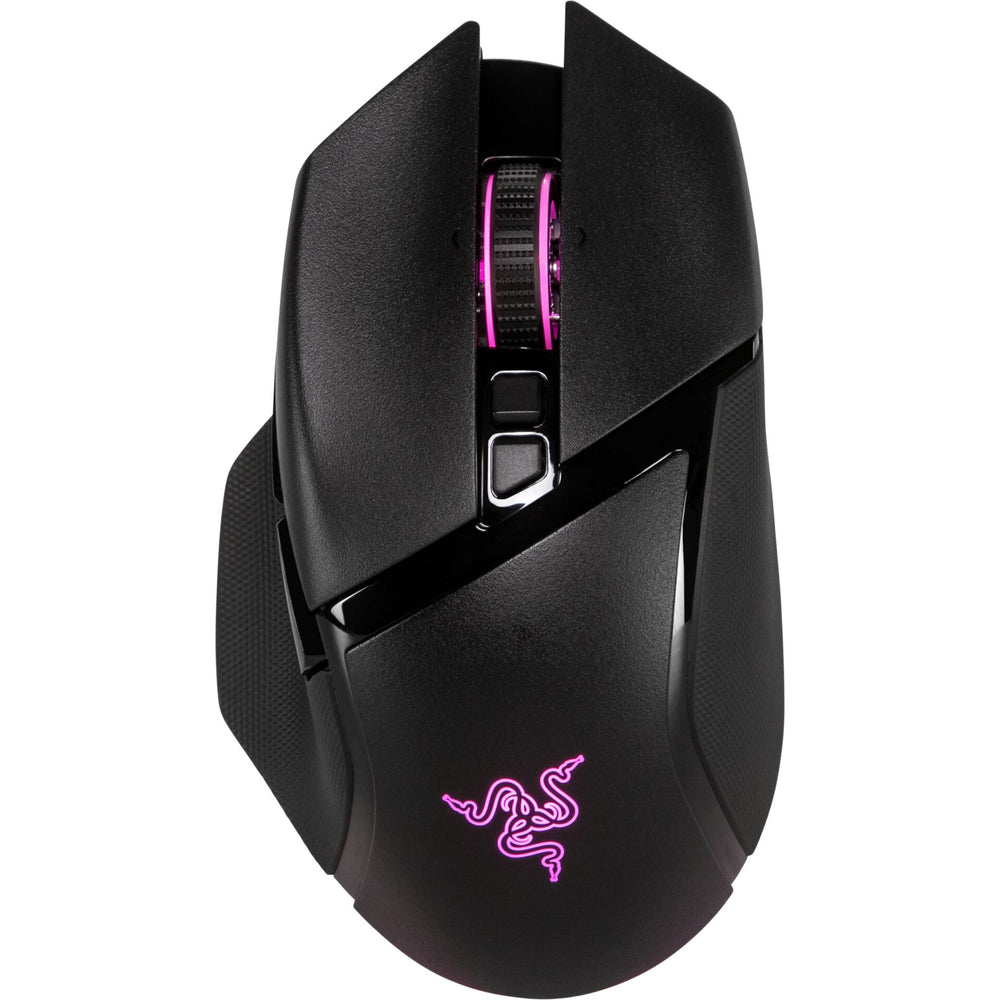
Are you looking for a mouse that responds to your gaming experience? This model not only offers flexibility, but also controls that adapt to your style. With a four-way tilt scroll wheel, you can navigate menus precisely or switch between weapons in a flash. RGB lighting adds a visual highlight to your setup – just the way you like it.
Full control in every gaming situation
The ergonomic shape sits comfortably in your hand and supports you even during longer sessions. With over ten programmable buttons, you have your most important commands right at your fingertips. Whether wirelessly via HyperSpeed, Bluetooth, or with a traditional cable – you decide how you're connected.
Technology that keeps you moving
The 30,000 DPI optical sensor responds to every movement without lag. The durable switches can withstand up to 90 million clicks – ideal for intense matches. And with up to 150 hours of battery life in Bluetooth mode, you'll stay independent of a power outlet for longer.
Features:
We have a 14-day return policy, which means you have 14 days after receiving your item to request a return.
To be eligible for a return, your item must be in the same condition that you received it, unused, with packaging in tact. You’ll also need the proof of purchase or order number.
To start a return or to ask any questions about returns you can contact us at sales@hdewcameras.com or call us on 02086695668. Please note that returns will need to be authorised before you send the item to us. In this case the product must be unused and returned with a trackable postal service. Please note neither we or the supplier can cover the costs of returning an unwanted item. If you do want to return it please make contact first.
Get the latest updates on new products and upcoming sales
Thanks for subscribing!
This email has been registered!


You have copied the placement for the Product Page.
Go back to the App Embeds section, and in the Paypal Advanced Settings, paste the copied value into the Product Page field and click the 'Save' button in the top right corner.