



Subscribe to our newsletter
Get the latest updates on new products and upcoming sales

Call Us On
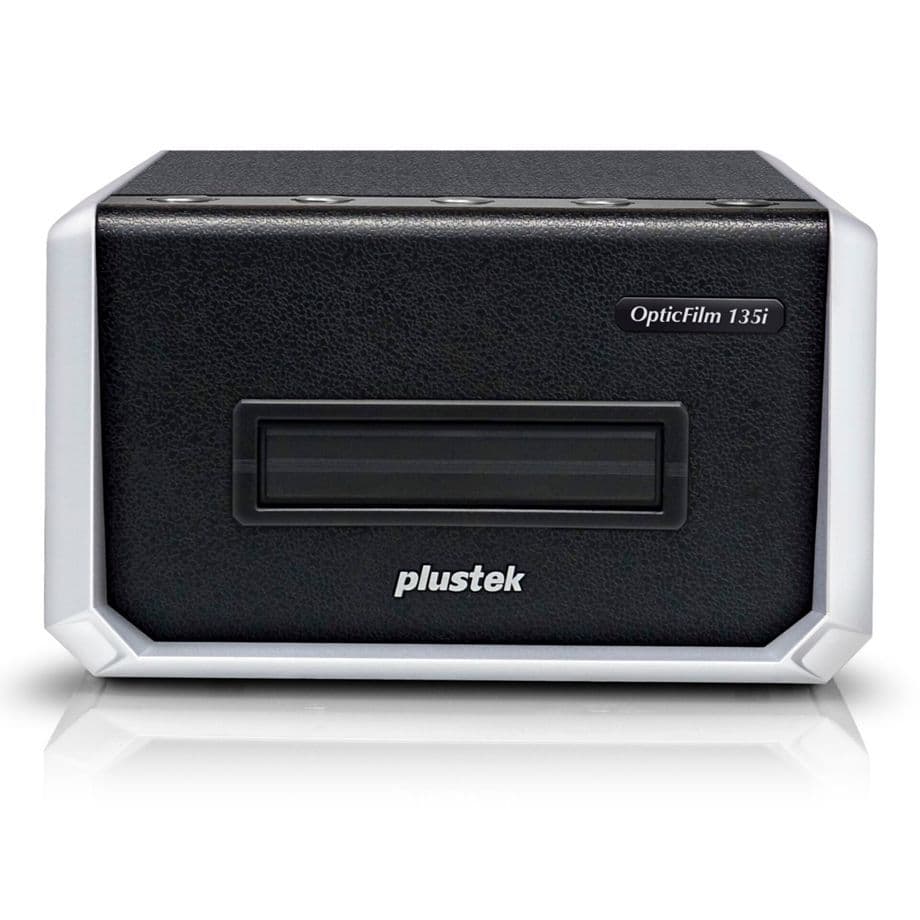
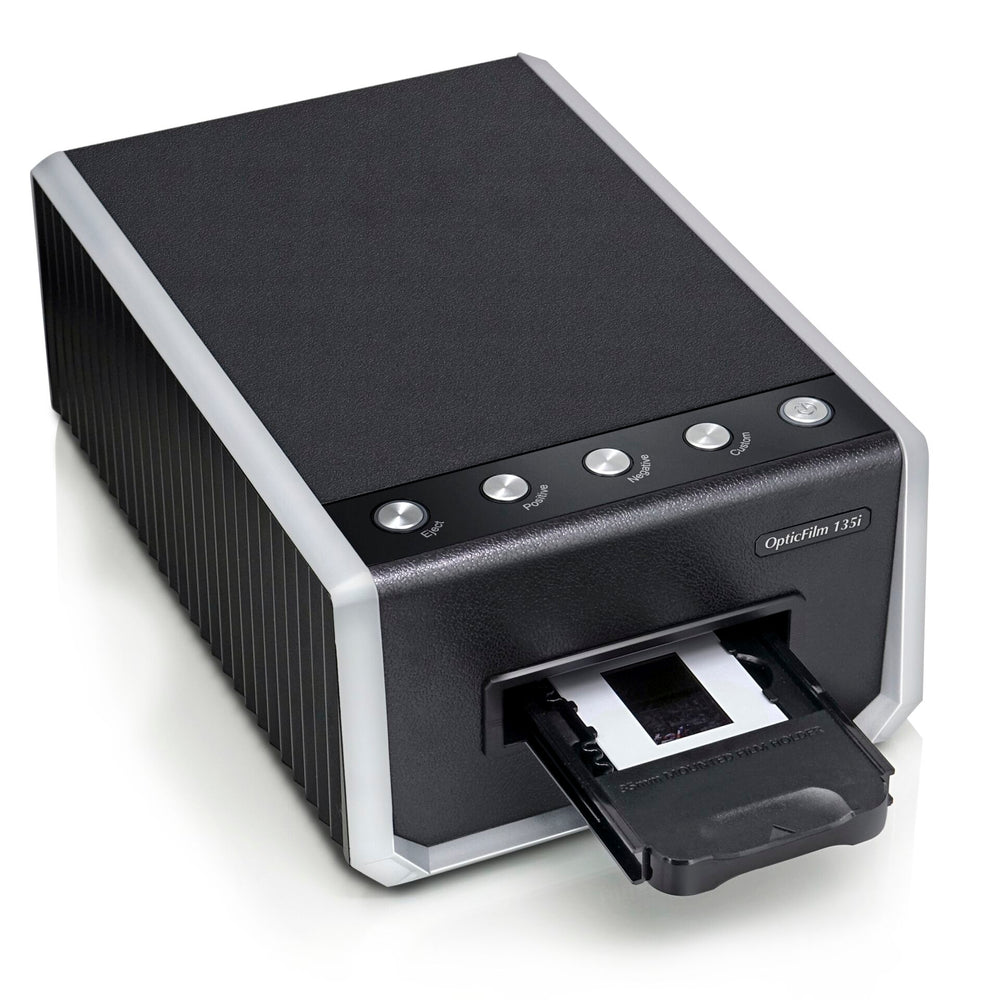
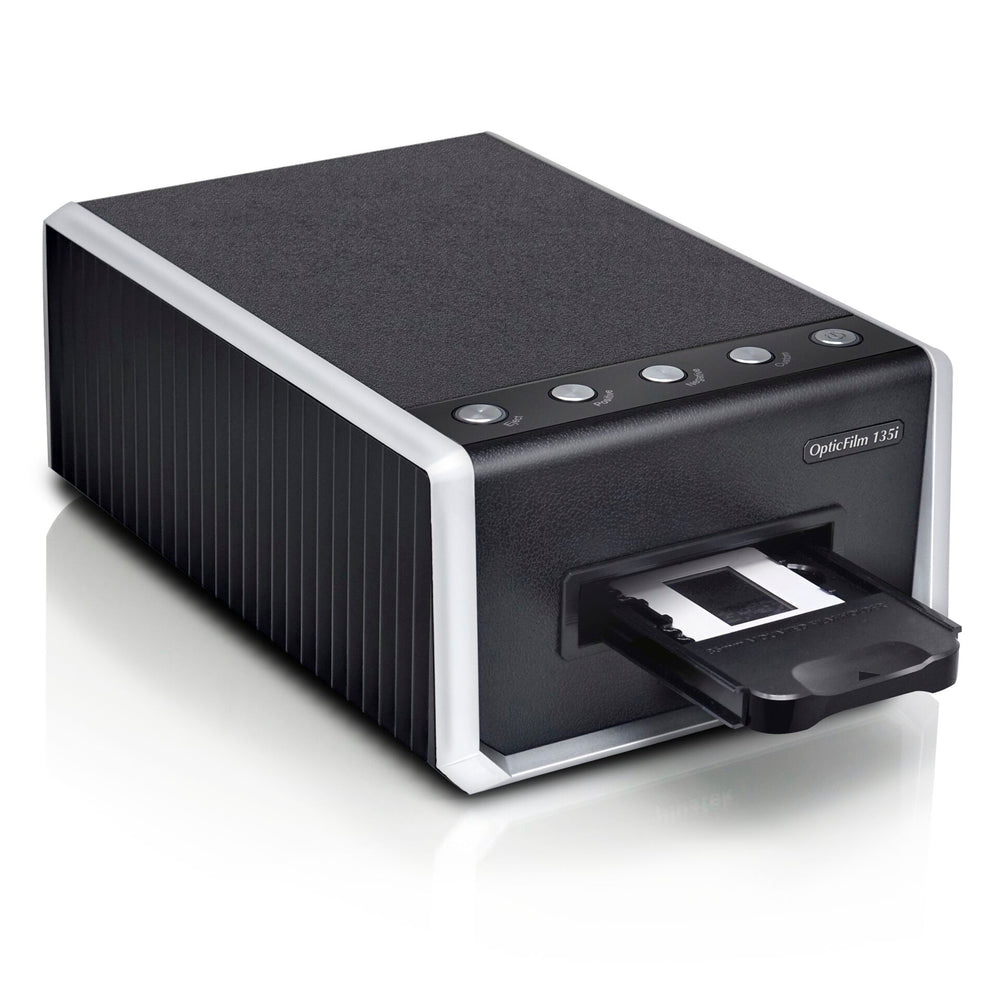
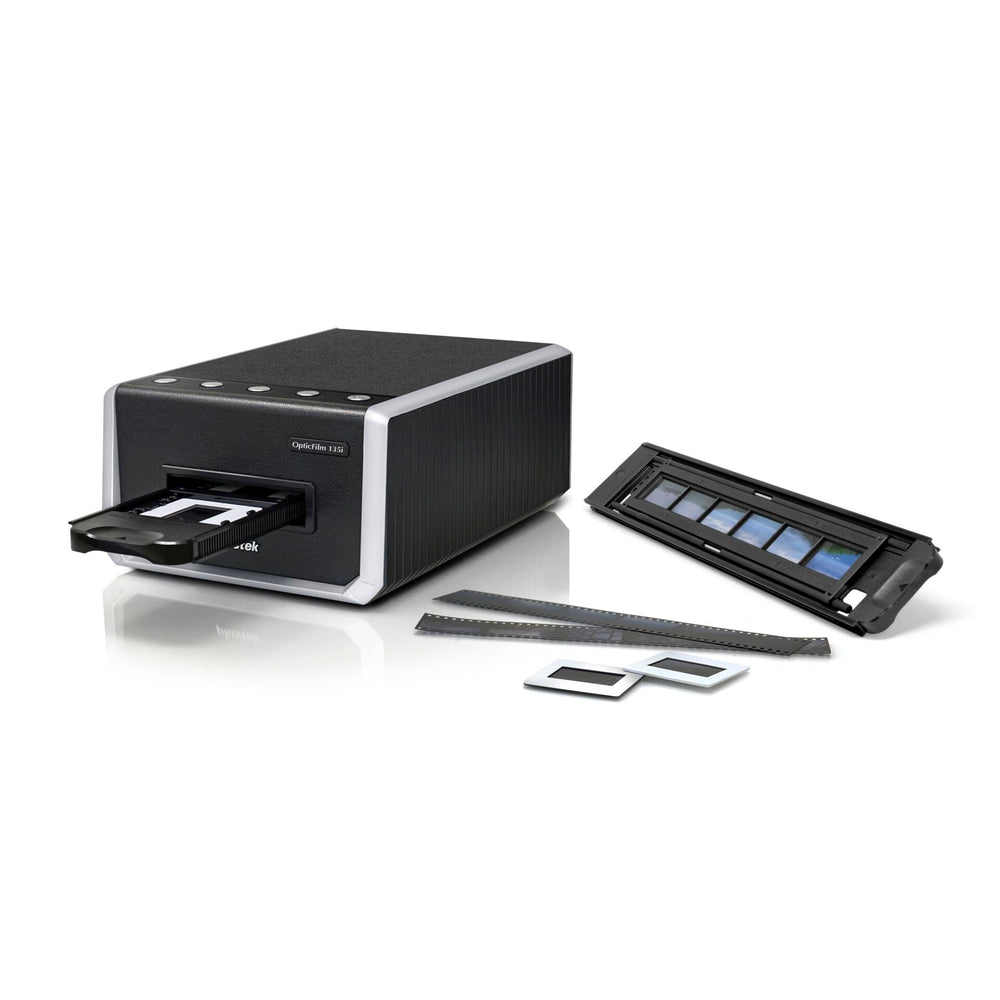
Scanning your film treasures has never been easier!
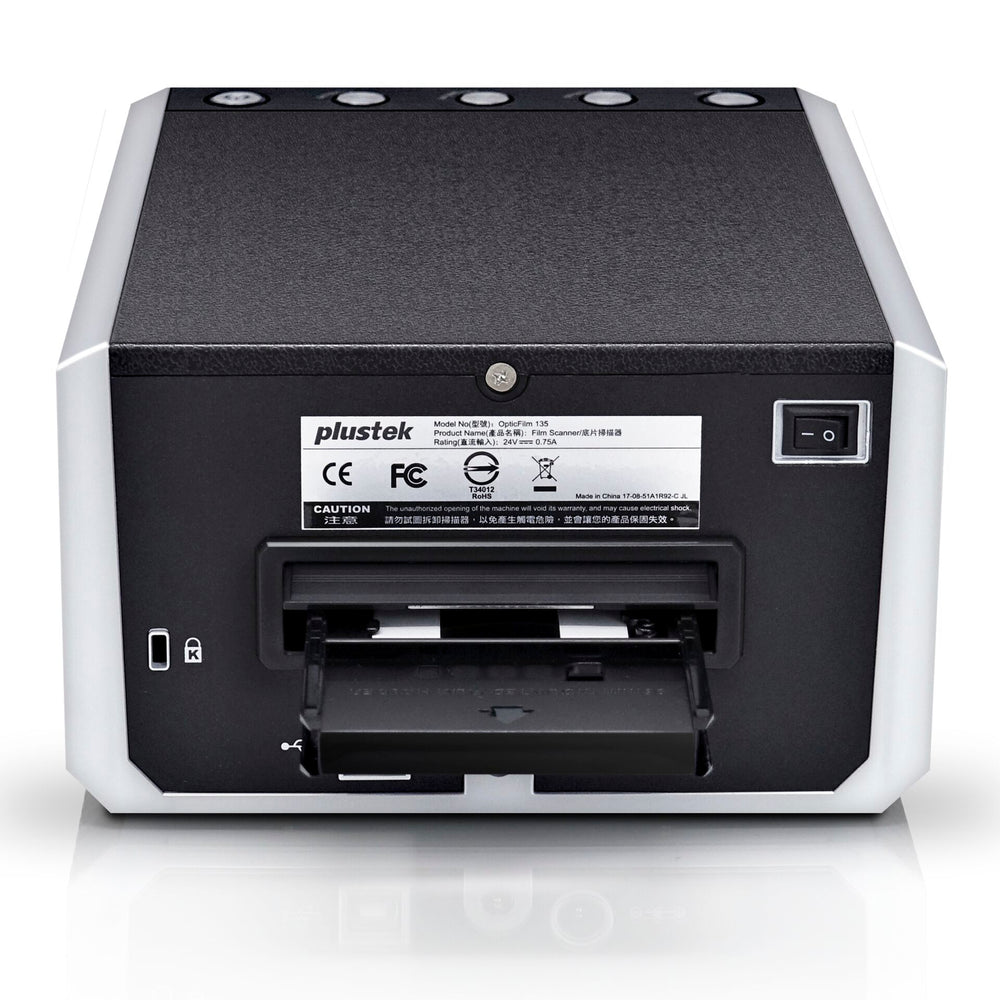
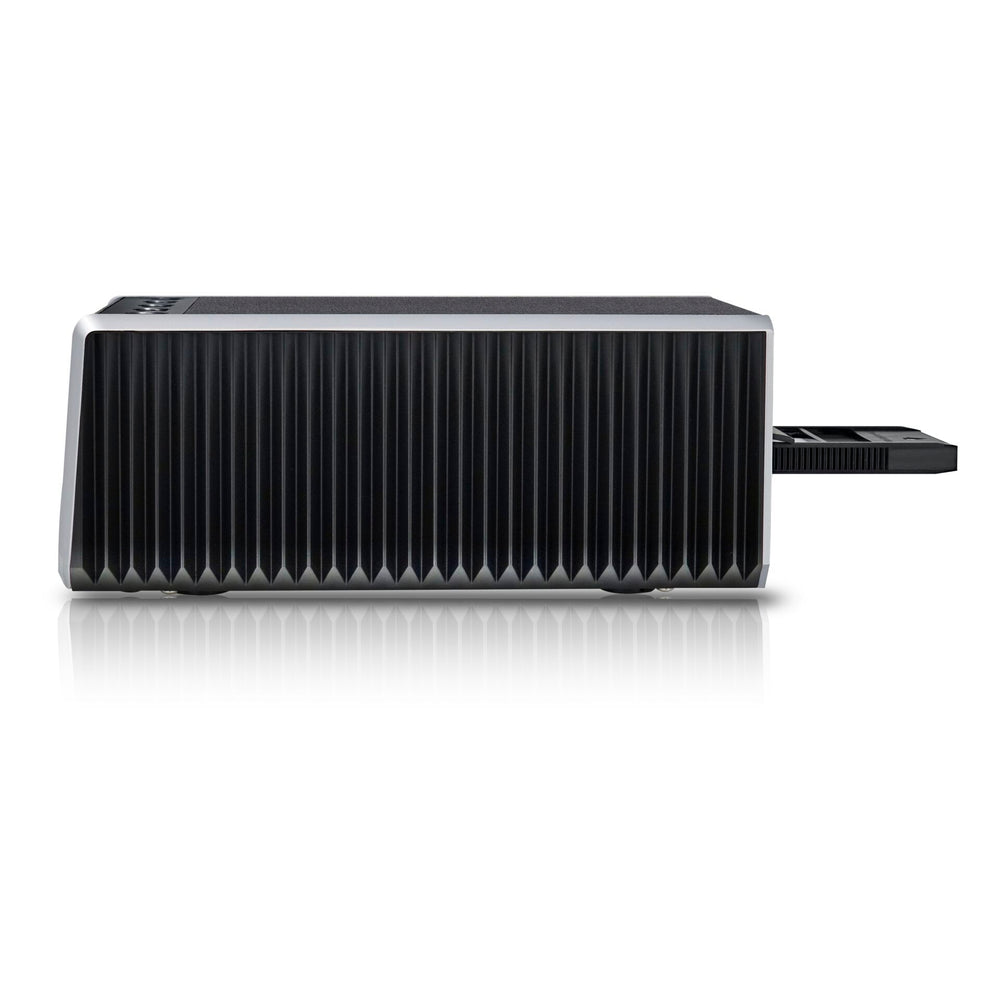
This film scanner is perfect for digitising a large quantity of negatives and slides in excellent quality. With the ability to batch scan and its ease of use, even a wide range of originals can be quickly transferred to digital formats at the touch of a button.
Supports different 35 mm film types
The scanner can process not only standard 35 mm film sizes, but also panorama frames (up to 226 mm wide).
Automatic batch scanning
Up to four slides and six frames of a film strip can be scanned simultaneously.
Brilliant image quality
The OpticFilm 135i offers Plustek's renowned and remarkable image quality. The advanced optical system ensures very good image quality, high light sensitivity and low image noise.
7200 dpi print resolution
The scan resolution ranges from 600 dpi to a maximum optical resolution of 7200 dpi with an output of up to 69.2 megapixels per image (10224 px * 6748px).
48 bit colour depth
Smoother colours for better image processing.
Integrated infrared channel
To detect dust and scratches on the original surface.
Many adjustment and editing tools
Corrects and enhances your images with just one click.
We have a 14-day return policy, which means you have 14 days after receiving your item to request a return.
To be eligible for a return, your item must be in the same condition that you received it, unused, with packaging in tact. You’ll also need the proof of purchase or order number.
To start a return or to ask any questions about returns you can contact us at sales@hdewcameras.com or call us on 02086695668. Please note that returns will need to be authorised before you send the item to us. In this case the product must be unused and returned with a trackable postal service. Please note neither we or the supplier can cover the costs of returning an unwanted item. If you do want to return it please make contact first.
Get the latest updates on new products and upcoming sales
Thanks for subscribing!
This email has been registered!


You have copied the placement for the Product Page.
Go back to the App Embeds section, and in the Paypal Advanced Settings, paste the copied value into the Product Page field and click the 'Save' button in the top right corner.