



Subscribe to our newsletter
Get the latest updates on new products and upcoming sales
Discount codes now live: use '25OFF' on orders over £500 & '50OFF' on orders over £1,000

Call Us On
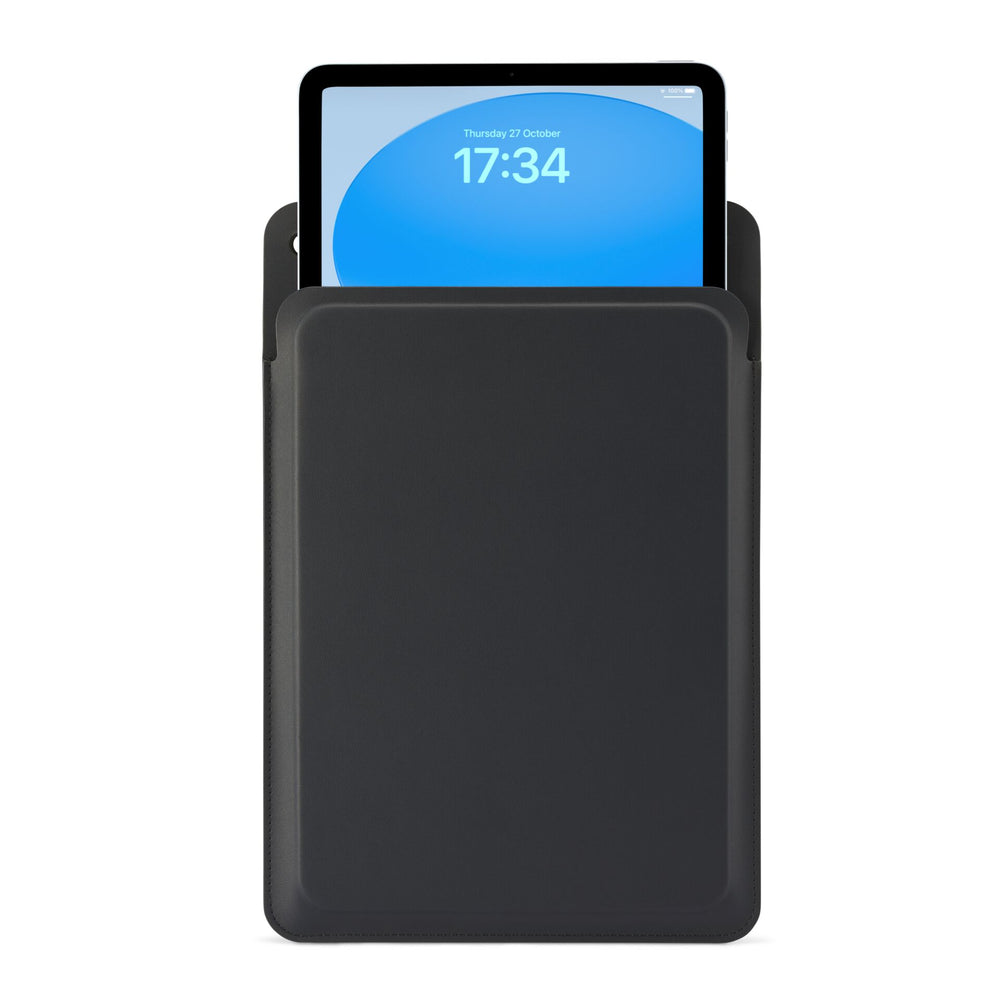
The Ultra Slim Sleeve from Pipetto is an ultra-slim, modern sleeve that provides comprehensive protection for your iPad. The sleeve is made from 100% high-quality vegan leather with a leather look, which is soft to the touch and lined with microfiber on the inside, combining elegance with durability. The strong magnetic closure ensures that the iPad stays securely in place, while the scratch- and water-resistant exterior provides all-around protection.
Thanks to its slim and lightweight design, the iPad can be easily carried in the sleeve or stowed in a bag, allowing you to take it with you wherever you go. This makes the Ultra Slim Sleeve a stylish companion for an active lifestyle.
Check when ordering that the size (11 inch) is compatible with your iPad.
• Extremely slim and lightweight protective sleeve for iPad 11-inch (2017–2025)
• Made from high-quality, vegan leather made of polyurethane with a leather look
• Soft microfibre lining and scratch- and water-resistant exterior provide comprehensive all-round protection
• Equipped with a strong magnetic closure for a secure fit
• Compatible with all iPad, iPad Air, and iPad Pro models up to 11-inch (2017–2025).
We have a 14-day return policy, which means you have 14 days after receiving your item to request a return.
To be eligible for a return, your item must be in the same condition that you received it, unused, with packaging in tact. You’ll also need the proof of purchase or order number.
To start a return or to ask any questions about returns you can contact us at sales@hdewcameras.com or call us on 02086695668. Please note that returns will need to be authorised before you send the item to us. In this case the product must be unused and returned with a trackable postal service. Please note neither we or the supplier can cover the costs of returning an unwanted item. If you do want to return it please make contact first.
Get the latest updates on new products and upcoming sales
Thanks for subscribing!
This email has been registered!
You have copied the placement for the Product Page.
Go back to the App Embeds section, and in the Paypal Advanced Settings, paste the copied value into the Product Page field and click the 'Save' button in the top right corner.

