



Subscribe to our newsletter
Get the latest updates on new products and upcoming sales
New best sellers added to our sale

Call Us On
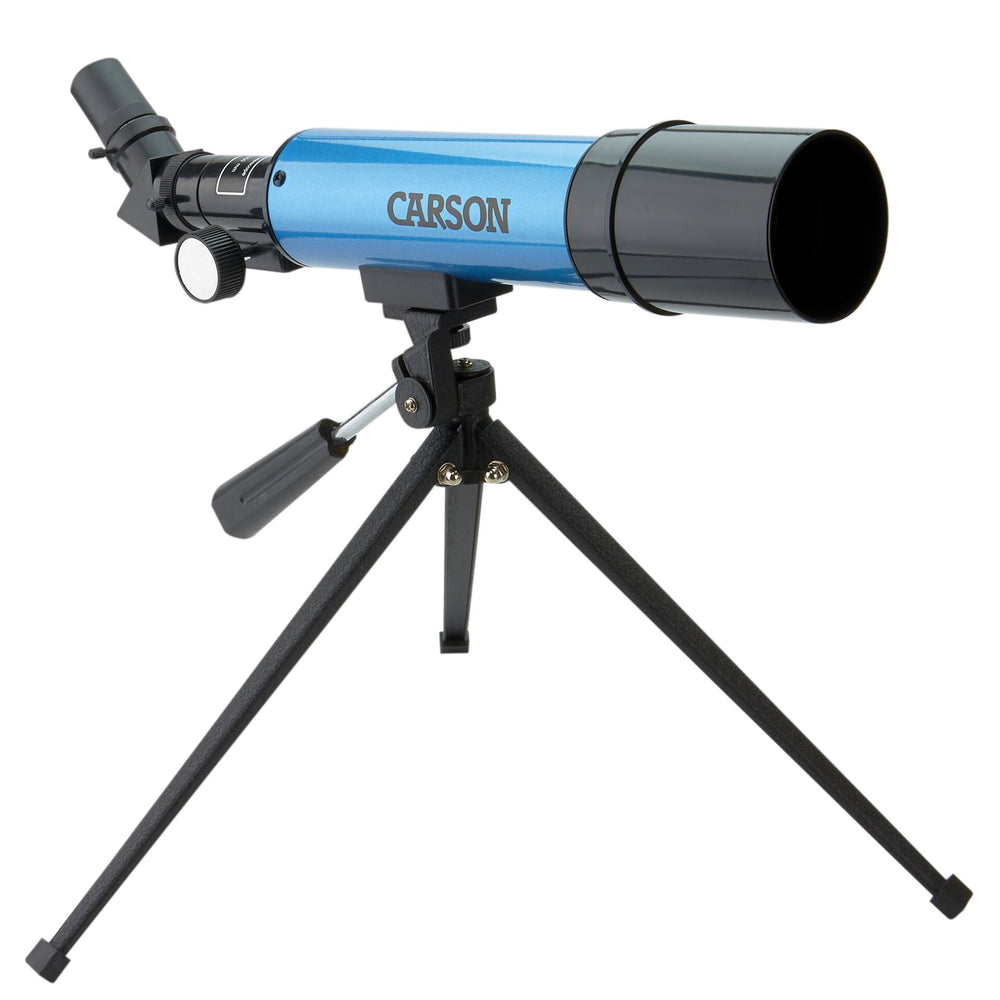
Whether you're counting your first stars from the balcony or watching the planets move across the sky – this compact telescope is your companion on your journey through space. No complicated setup needed – it opens the door to stargazing and lets you see the night sky with your own eyes.
Start right away – made for curious beginners in astronomy
No long setup time: the telescope is ready to use in just a few minutes. The included eyepieces and the 2x Barlow lens give you different magnifications, so you can adjust to what you want to observe. The compact size also fits easily into your bag for spontaneous trips.
Clear view of the night sky
The 50 mm lens gives you bright images and shows details on the Moon or the planets in our solar system. The erecting prism gives you an upright image – helpful for orientation. The stable table tripod helps you keep your view steady.
Features:
Technical Specifications:
We have a 14-day return policy, which means you have 14 days after receiving your item to request a return.
To be eligible for a return, your item must be in the same condition that you received it, unused, with packaging in tact. You’ll also need the proof of purchase or order number.
To start a return or to ask any questions about returns you can contact us at sales@hdewcameras.com or call us on 02086695668. Please note that returns will need to be authorised before you send the item to us. In this case the product must be unused and returned with a trackable postal service. Please note neither we or the supplier can cover the costs of returning an unwanted item. If you do want to return it please make contact first.
Get the latest updates on new products and upcoming sales
Thanks for subscribing!
This email has been registered!
You have copied the placement for the Product Page.
Go back to the App Embeds section, and in the Paypal Advanced Settings, paste the copied value into the Product Page field and click the 'Save' button in the top right corner.

