



Subscribe to our newsletter
Get the latest updates on new products and upcoming sales

Call Us On
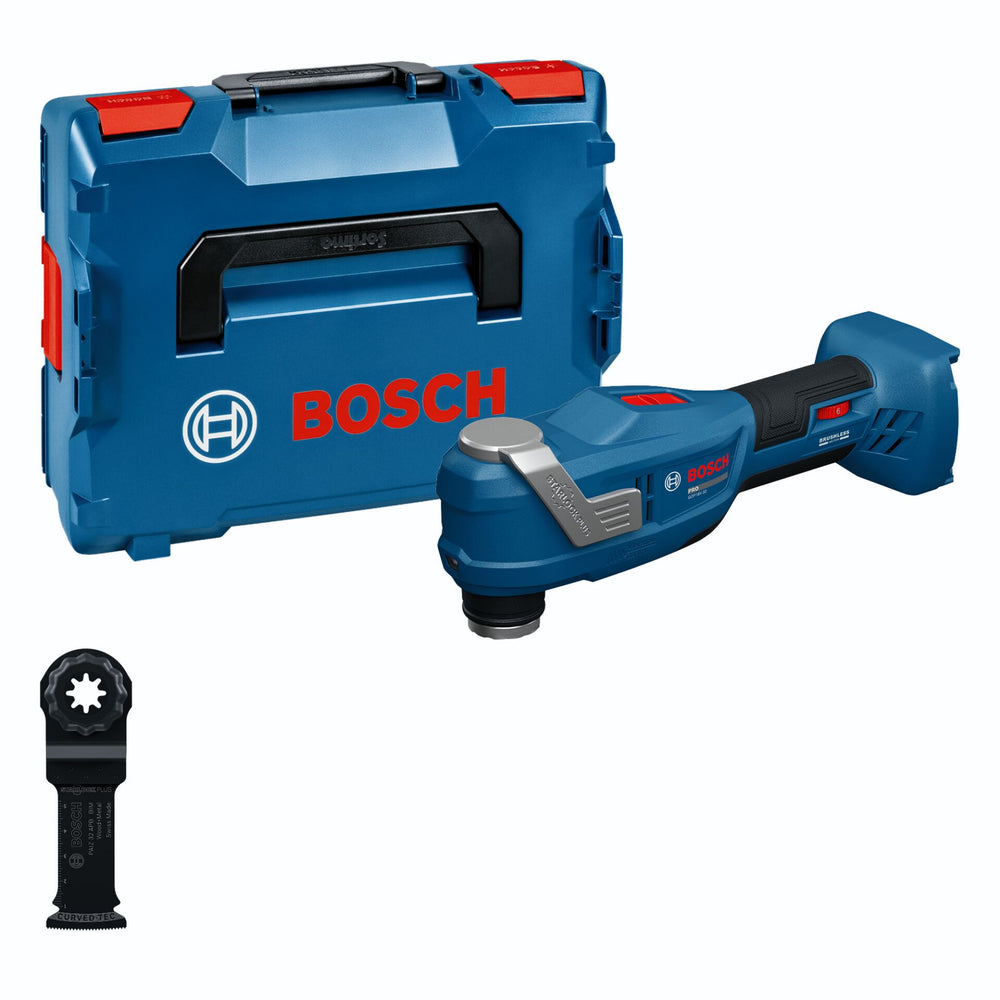
Precise cuts, controlled work and smooth running are the main focus of this cordless multi-tool. The oscillating technology supports you with sawing, sanding and cutting work in different materials. Thanks to the compact design, the tool is easy to handle even during longer jobs.
Smooth running and controlled working
The dual-housing design reduces vibrations to 3 m/s² and helps protect hands and arms during continuous use. The brushless motor delivers a constant oscillating movement with an oscillation angle of 3.0°. This allows clean and controlled cuts, even close to edges and walls.
Fast accessory change for daily work
The snap-in blade holder allows tool-free changing of Starlock and StarlockPlus accessories with just one click. Contact with hot blades is avoided and supports a smooth workflow. The tool is part of the Bosch Professional 18V System and is compatible with AMPShare.
Features:
Specifications:
scope of delivery:
Note: Delivery without battery and charger.
We have a 14-day return policy, which means you have 14 days after receiving your item to request a return.
To be eligible for a return, your item must be in the same condition that you received it, unused, with packaging in tact. You’ll also need the proof of purchase or order number.
To start a return or to ask any questions about returns you can contact us at sales@hdewcameras.com or call us on 02086695668. Please note that returns will need to be authorised before you send the item to us. In this case the product must be unused and returned with a trackable postal service. Please note neither we or the supplier can cover the costs of returning an unwanted item. If you do want to return it please make contact first.
Get the latest updates on new products and upcoming sales
Thanks for subscribing!
This email has been registered!
You have copied the placement for the Product Page.
Go back to the App Embeds section, and in the Paypal Advanced Settings, paste the copied value into the Product Page field and click the 'Save' button in the top right corner.

