



Subscribe to our newsletter
Get the latest updates on new products and upcoming sales

Call Us On
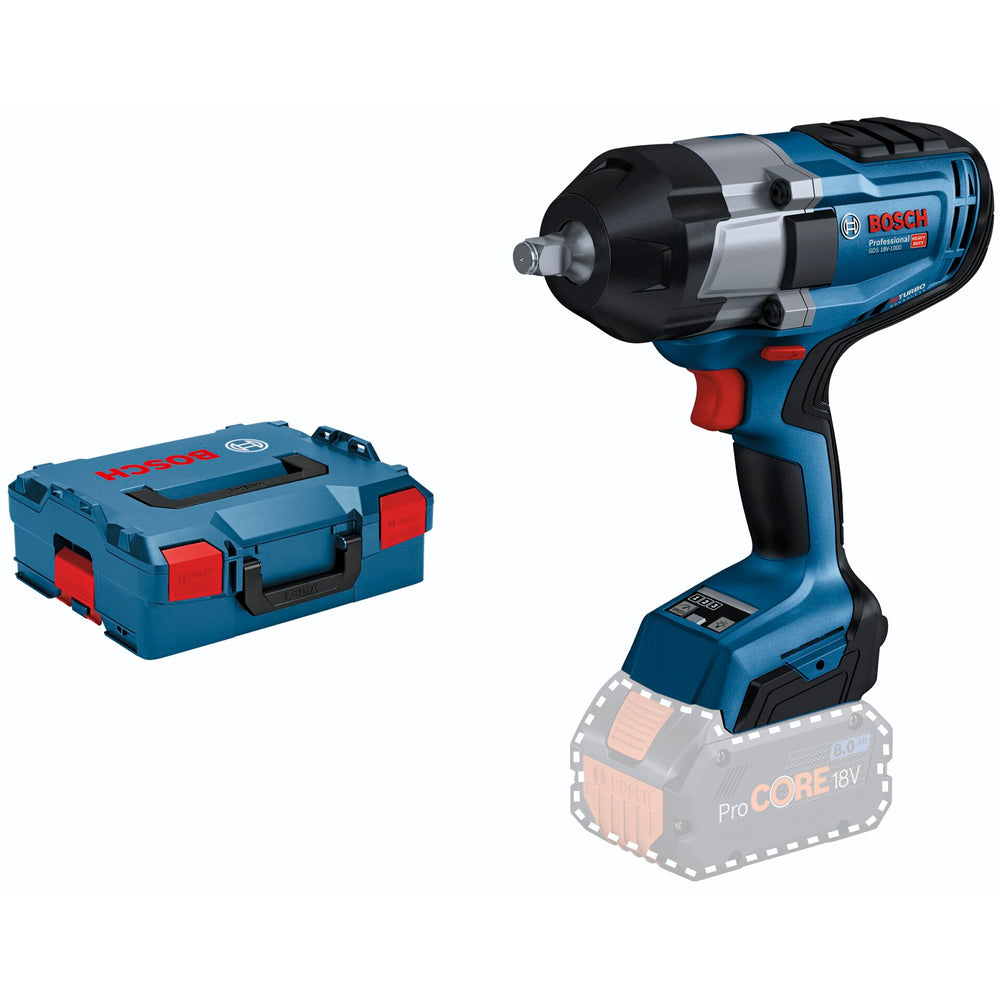
Full power, no cord: 1/2" high torque impact wrench with BITURBO Brushless technology
The GDS 18V-1000 Professional is the powerful 1/2" impact wrench with BITURBO Brushless technology. Its cordless freedom with outstanding power is the outcome of the high-performing brushless motor fully maximised for ProCORE18V batteries. The new impact mechanism, which is designed to deliver a maximum tightening torque of 1,000 Nm and a maximum breakaway torque of up to 1,600 Nm, provides best performance for heavy duties. Three settings offer excellent control over speed/torque for high versatility.
The impact wrench is perfect for metal applications with machine screws from M10 to M24 like structural steel construction, metal assembly, pipe fitting, and for truck maintenance as well as for wood construction. It is compatible with all Bosch Professional 18 V batteries and chargers (Professional 18V system), for maximum power use ProCORE18V ≥ 5.5 Ah.
The GDS 18V-1000 Professional comes with ECP and EMP, a tool status indicator, LED light, a 1/2" tool holder with friction ring, and a ladder clip.
Delivery without battery and charger!
We have a 14-day return policy, which means you have 14 days after receiving your item to request a return.
To be eligible for a return, your item must be in the same condition that you received it, unused, with packaging in tact. You’ll also need the proof of purchase or order number.
To start a return or to ask any questions about returns you can contact us at sales@hdewcameras.com or call us on 02086695668. Please note that returns will need to be authorised before you send the item to us. In this case the product must be unused and returned with a trackable postal service. Please note neither we or the supplier can cover the costs of returning an unwanted item. If you do want to return it please make contact first.
Get the latest updates on new products and upcoming sales
Thanks for subscribing!
This email has been registered!


You have copied the placement for the Product Page.
Go back to the App Embeds section, and in the Paypal Advanced Settings, paste the copied value into the Product Page field and click the 'Save' button in the top right corner.