



Subscribe to our newsletter
Get the latest updates on new products and upcoming sales
'25OFF' orders over £500 + '50OFF' orders over £1000

Call Us On
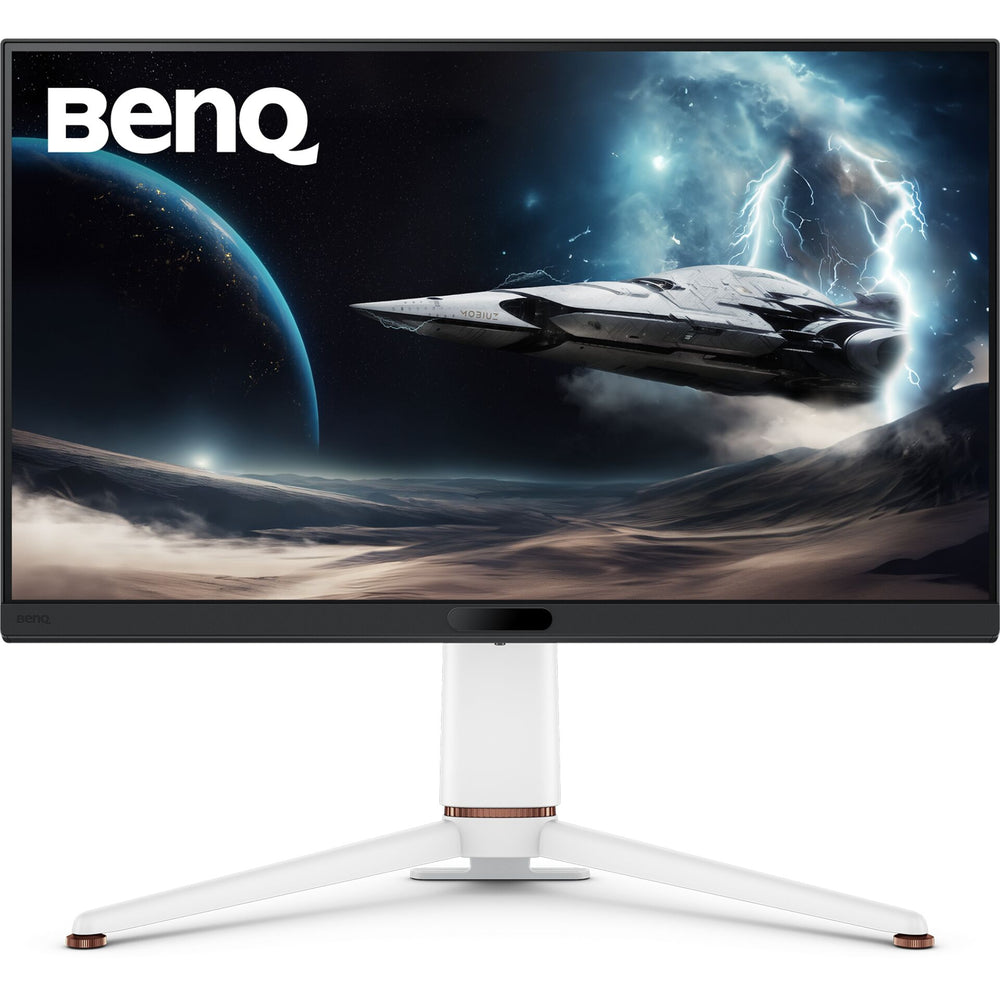
With a 27-inch screen, 4K resolution and 165 Hz, this gaming monitor delivers detailed visuals for fast-paced game scenes. Carefully tuned image enhancements help you spot even small details in the game environment more quickly. This helps you stay aware during action-packed moments and benefit from a clear display.
Colours matched to your gaming style
The Gamer-Experienced-Color technology provides a colour range matched to different game genres. With Color Vibrance, you can adjust the colour display to your preference, while Light Tuner improves visibility in dark areas. This allows you to set up the picture to match your preferences and the requirements of the game.
Connectivity and comfort for long gaming sessions
DP 1.4, HDMI 2.1 and USB-C with 65 W allow you to connect a range of devices. The integrated KVM function makes it easy to switch between multiple systems. The monitor also includes eARC with support for up to 7.1 audio channels, as well as flexible adjustment options for height, tilt and swivel.
Features:
Technical Specifications:
We have a 14-day return policy, which means you have 14 days after receiving your item to request a return.
To be eligible for a return, your item must be in the same condition that you received it, unused, with packaging in tact. You’ll also need the proof of purchase or order number.
To start a return or to ask any questions about returns you can contact us at sales@hdewcameras.com or call us on 02086695668. Please note that returns will need to be authorised before you send the item to us. In this case the product must be unused and returned with a trackable postal service. Please note neither we or the supplier can cover the costs of returning an unwanted item. If you do want to return it please make contact first.
Get the latest updates on new products and upcoming sales
Thanks for subscribing!
This email has been registered!
You have copied the placement for the Product Page.
Go back to the App Embeds section, and in the Paypal Advanced Settings, paste the copied value into the Product Page field and click the 'Save' button in the top right corner.

