



Subscribe to our newsletter
Get the latest updates on new products and upcoming sales
New best sellers added to our sale

Call Us On
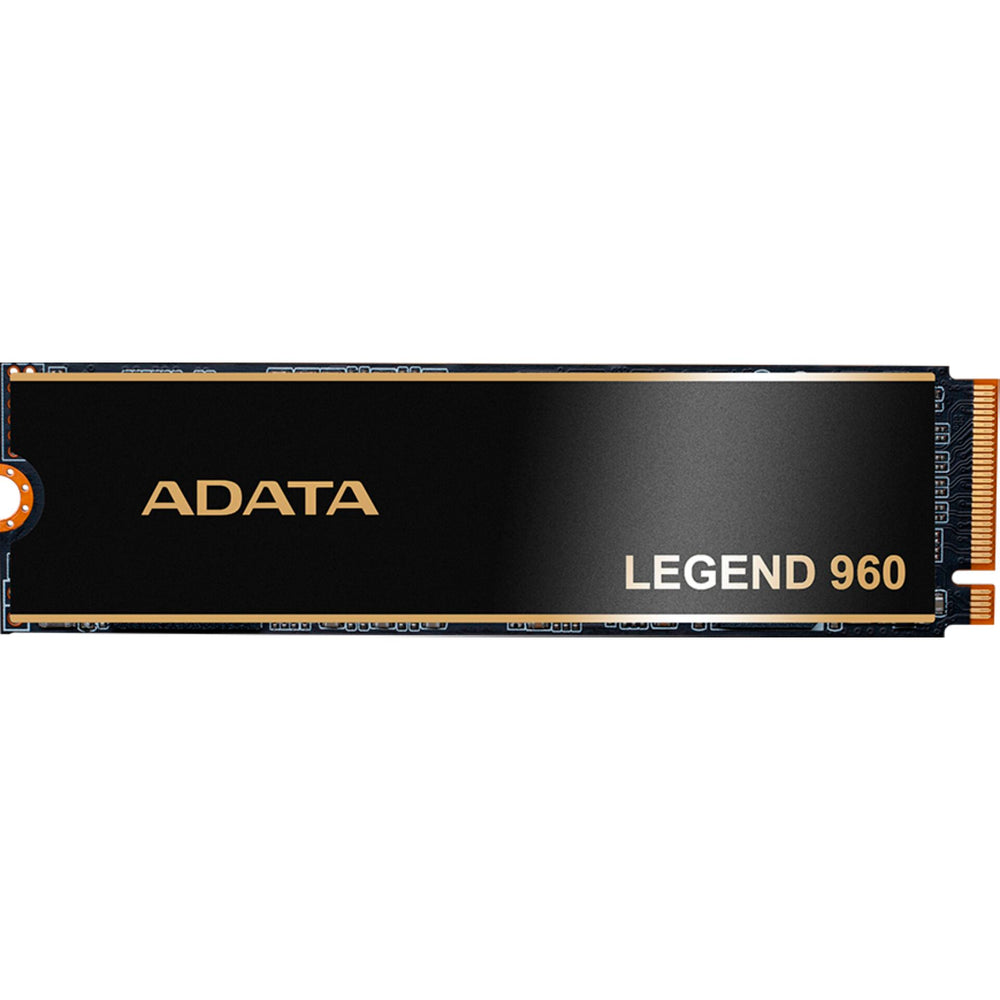
With the ADATA LEGEND 960 you can speed up your work processes, as the SSD supports high data rates and a clear structure for intensive projects. The M.2 design fits in many systems and offers a reliable base for demanding applications. Thanks to the strong performance, you can work smoothly with large files.
More speed for your projects
The SSD uses a PCIe Gen4 x4 connection and works with NVMe 1.4. This gives you a solution that handles large amounts of data quickly. With the integrated cache functions, access to often used content stays stable.
Made for professional content
The ADATA LEGEND 960 comes in a compact M.2 format and is suitable for graphic‑intensive work areas. The controller and modern NAND technology support constant performance even during long sessions. The built‑in protection with ECC and AES 256‑bit increases data security in daily use.
Features:
We have a 14-day return policy, which means you have 14 days after receiving your item to request a return.
To be eligible for a return, your item must be in the same condition that you received it, unused, with packaging in tact. You’ll also need the proof of purchase or order number.
To start a return or to ask any questions about returns you can contact us at sales@hdewcameras.com or call us on 02086695668. Please note that returns will need to be authorised before you send the item to us. In this case the product must be unused and returned with a trackable postal service. Please note neither we or the supplier can cover the costs of returning an unwanted item. If you do want to return it please make contact first.
Get the latest updates on new products and upcoming sales
Thanks for subscribing!
This email has been registered!


You have copied the placement for the Product Page.
Go back to the App Embeds section, and in the Paypal Advanced Settings, paste the copied value into the Product Page field and click the 'Save' button in the top right corner.