



Subscribe to our newsletter
Get the latest updates on new products and upcoming sales
'25OFF' orders over £500 + '50OFF' orders over £1000

Call Us On
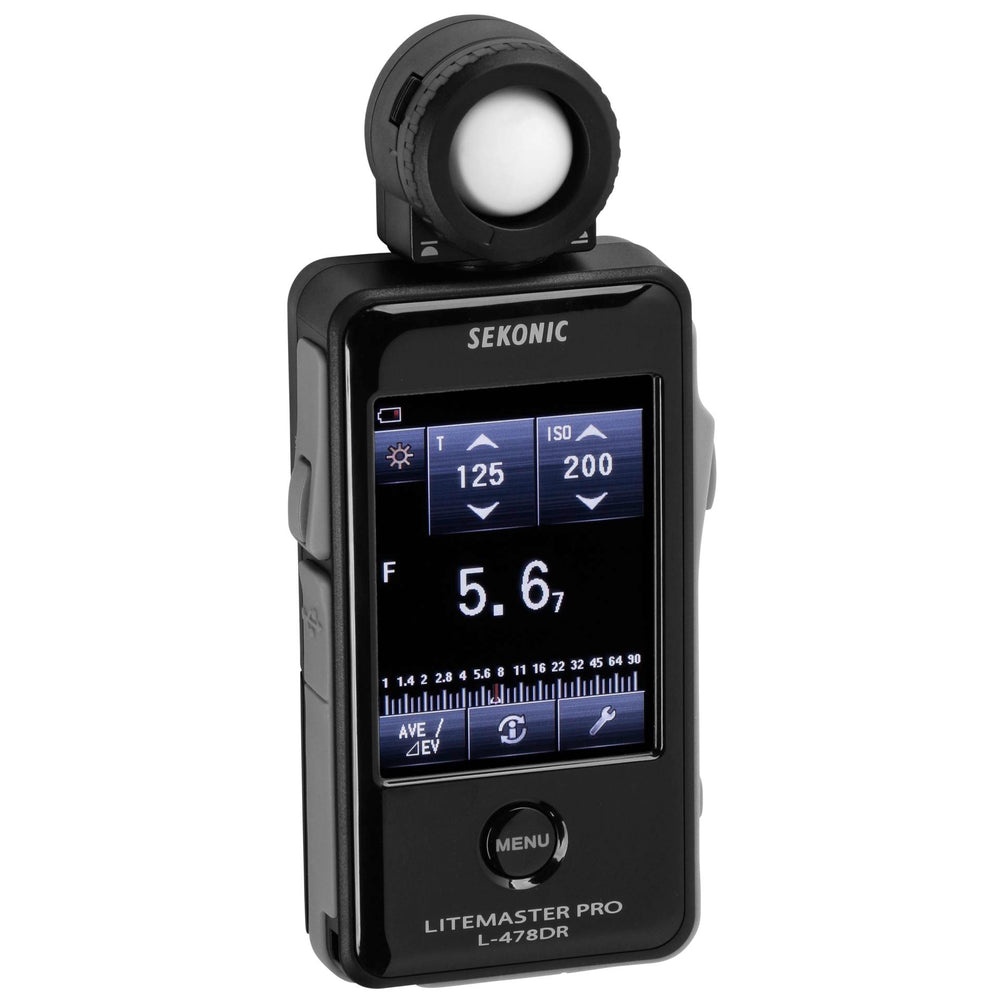
Their compact size is both instantly familiar and comfortable to use. A large LCD (2.7") displays ambient, flash, cine and a host of other information in a clear and understandable way. Settings are made by simply touching or sliding a finger over the screen.
The L-478 meters can be quickly calibrated to your camera using Sekonic's Data Transfer software and either Sekonic or X-Rite Brand targets or by manually inputting data to the DTS program or on the meter itself.
Keeping pace with wireless advancements, the L-478DR-EL comes complete with exclusive Elinchrom Skyport technology which combines light measurement and flash power control providing amazing control in your hand.
The L-478DR-EL has a radio module and antenna built into the meter. The system transmits at 2.4GHz and uses signal protocols that are unique to Elinchrom's Skyport wireless triggering/control system.
The L-478 series meters offer the following languages in the interface: Japanese, English and Chinese. Depending on the country where the meter is purchased, the language is fixed and cannot be changed by the user.
Features
Specifications
We have a 14-day return policy, which means you have 14 days after receiving your item to request a return.
To be eligible for a return, your item must be in the same condition that you received it, unused, with packaging in tact. You’ll also need the proof of purchase or order number.
To start a return or to ask any questions about returns you can contact us at sales@hdewcameras.com or call us on 02086695668. Please note that returns will need to be authorised before you send the item to us. In this case the product must be unused and returned with a trackable postal service. Please note neither we or the supplier can cover the costs of returning an unwanted item. If you do want to return it please make contact first.
Get the latest updates on new products and upcoming sales
Thanks for subscribing!
This email has been registered!
You have copied the placement for the Product Page.
Go back to the App Embeds section, and in the Paypal Advanced Settings, paste the copied value into the Product Page field and click the 'Save' button in the top right corner.

