



Subscribe to our newsletter
Get the latest updates on new products and upcoming sales
'25OFF' orders over £500 + '50OFF' orders over £1000

Call Us On
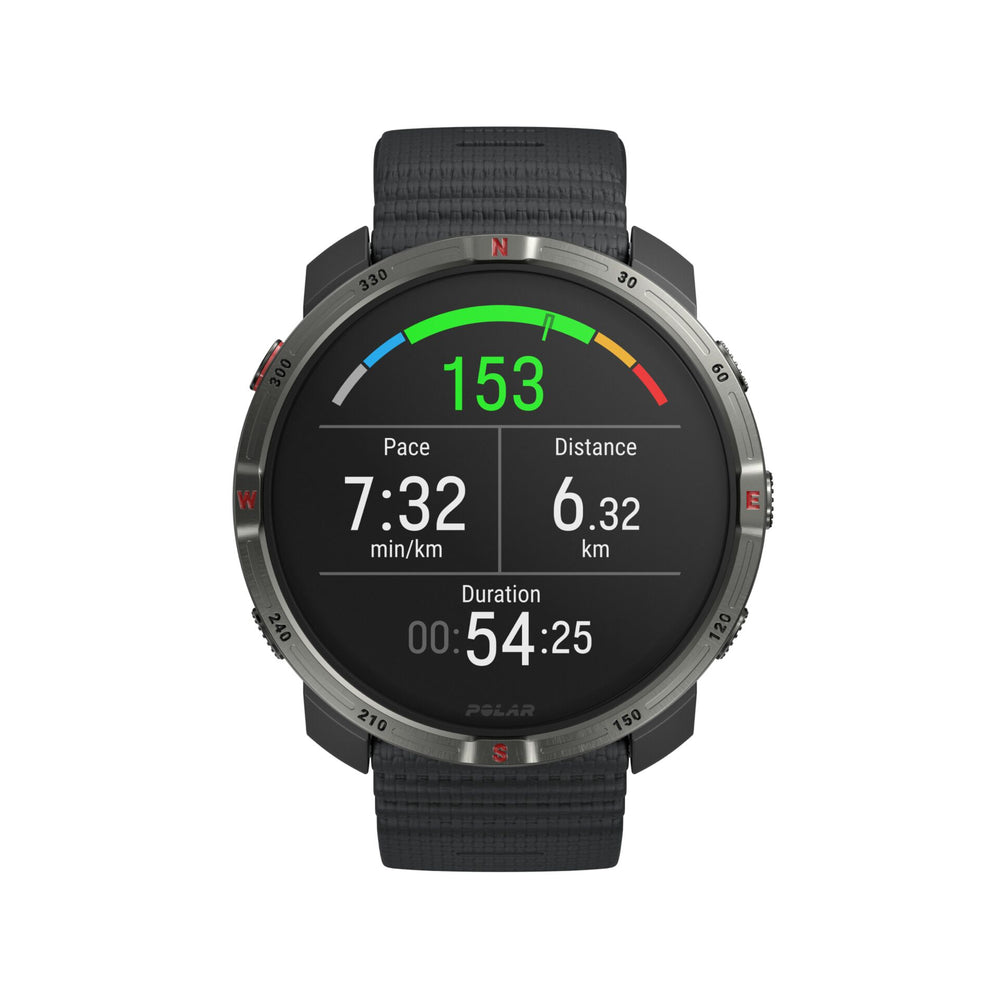
For training, navigation and everyday use, this outdoor smartwatch offers a combination of extensive performance and health data. The AMOLED display with sapphire glass provides a clear view, while the robust design is made for use in different conditions. With a battery life of up to 7 days, it supports you over longer periods without frequent charging.
Accurate navigation on every route
Dual-frequency GPS supports precise positioning and works with several global satellite systems. Full-colour maps, route guidance, turn-by-turn navigation, and features such as Track Back and Back-to-Start help you stay on course on familiar and new routes. Navigation is complemented by an altimeter, compass and points of interest.
Keep track of training, recovery and health
A wide range of analysis features helps you manage training and recovery. Continuous heart rate monitoring, ECG, SpO2 measurement, sleep analysis and recovery tools provide useful insights into your physical condition. Training data can be analysed and managed via the Polar Flow platform.
Features:
We have a 14-day return policy, which means you have 14 days after receiving your item to request a return.
To be eligible for a return, your item must be in the same condition that you received it, unused, with packaging in tact. You’ll also need the proof of purchase or order number.
To start a return or to ask any questions about returns you can contact us at sales@hdewcameras.com or call us on 02086695668. Please note that returns will need to be authorised before you send the item to us. In this case the product must be unused and returned with a trackable postal service. Please note neither we or the supplier can cover the costs of returning an unwanted item. If you do want to return it please make contact first.
Get the latest updates on new products and upcoming sales
Thanks for subscribing!
This email has been registered!
You have copied the placement for the Product Page.
Go back to the App Embeds section, and in the Paypal Advanced Settings, paste the copied value into the Product Page field and click the 'Save' button in the top right corner.

