



Subscribe to our newsletter
Get the latest updates on new products and upcoming sales
'25OFF' over £500 + '50OFF' over £1000 ENDS SATURDAY

Call Us On
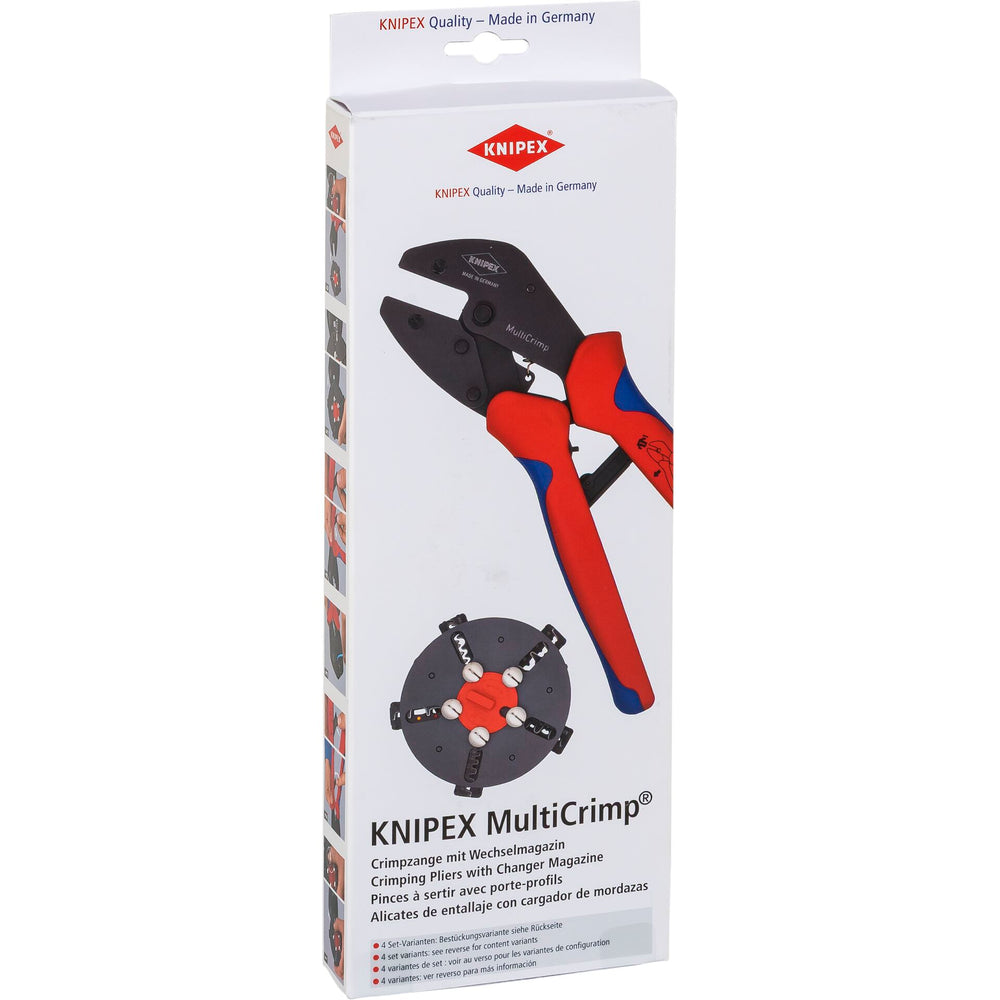
The KNIPEX MultiCrimp crimping tool is an essential tool for anyone working with photovoltaic systems. With just one tool and three crimp inserts, you can securely and efficiently crimp various cables and connectors. Changing the crimp inserts is quick and easy, without the need for additional tools.
Versatile Application Possibilities
The crimping tool is ideal for PV cables, grounding conductors, and wiring to the meter cabinet. With the crimp insert 97 39 42, you can crimp connectors for PV conductors, while the crimp insert 97 39 13 is suitable for uninsulated cable connectors. The crimp insert 97 39 08 allows crimping of insulated and uninsulated ferrules.
Practical Storage and Expandability
The changeable inserts are securely and safely stored in a round magazine that can hold up to five crimp inserts. Additionally, the crimping tool can be expanded with optional crimp inserts to cover even more application possibilities.
Features:
Scope of delivery:
We have a 14-day return policy, which means you have 14 days after receiving your item to request a return.
To be eligible for a return, your item must be in the same condition that you received it, unused, with packaging in tact. You’ll also need the proof of purchase or order number.
To start a return or to ask any questions about returns you can contact us at sales@hdewcameras.com or call us on 02086695668. Please note that returns will need to be authorised before you send the item to us. In this case the product must be unused and returned with a trackable postal service. Please note neither we or the supplier can cover the costs of returning an unwanted item. If you do want to return it please make contact first.
Get the latest updates on new products and upcoming sales
Thanks for subscribing!
This email has been registered!
You have copied the placement for the Product Page.
Go back to the App Embeds section, and in the Paypal Advanced Settings, paste the copied value into the Product Page field and click the 'Save' button in the top right corner.

