



Subscribe to our newsletter
Get the latest updates on new products and upcoming sales
'25OFF' orders over £500 + '50OFF' orders over £1000

Call Us On
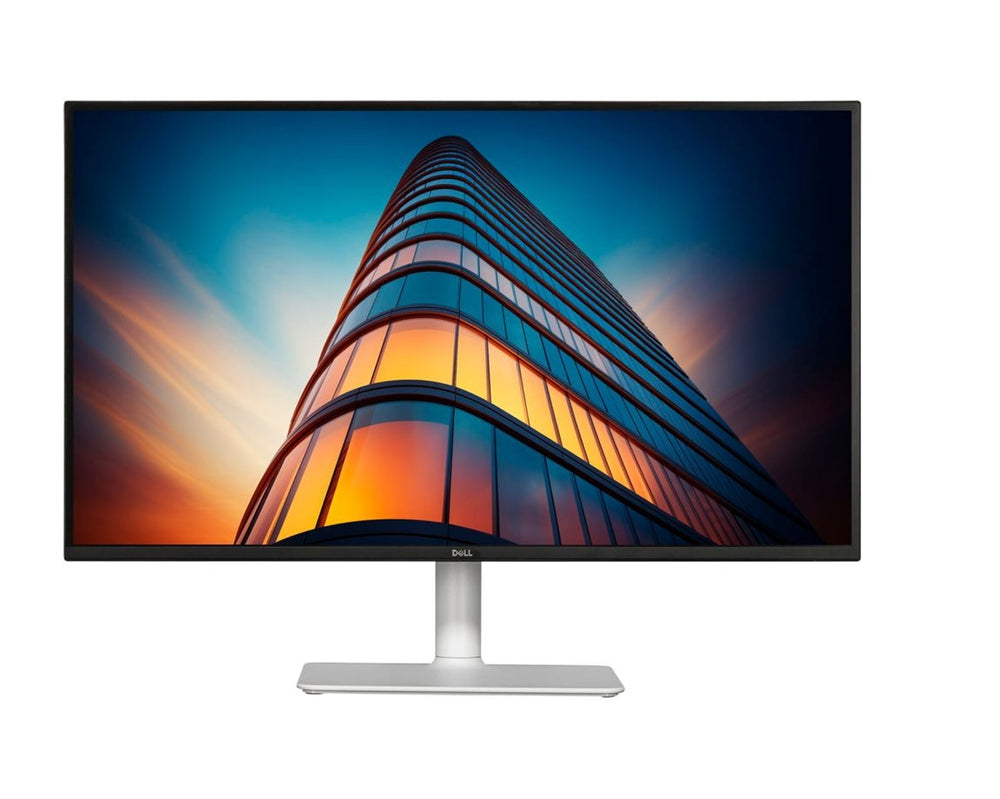
The Dell 27 Plus QHD USB-C Monitor in Ash White offers you an impressive viewing experience with a diagonal of 27 inches.
Perfect image quality
With a resolution of 2560 x 1440 and a refresh rate of 144 Hz, you can enjoy razor-sharp and smooth images. In-Plane Switching (IPS) technology ensures excellent colour reproduction and wide viewing angles of 178°.
Easy on the eyes and comfortable
Thanks to the anti-glare coating and Eye Comfort, you can work comfortably even during longer sessions. The monitor reduces blue light and is flicker-free, which is easy on your eyes.
Versatile connectivity options
The monitor offers numerous connectivity options, including HDMI, DisplayPort, USB-A and USB-C. With the USB-C connection, you can charge your device with up to 65 watts while transferring data at the same time.
Flexibility and ergonomics
The height-adjustable stand allows you to adjust the monitor perfectly to your needs. You can tilt, swivel and even use the monitor in portrait mode.
Features:
We have a 14-day return policy, which means you have 14 days after receiving your item to request a return.
To be eligible for a return, your item must be in the same condition that you received it, unused, with packaging in tact. You’ll also need the proof of purchase or order number.
To start a return or to ask any questions about returns you can contact us at sales@hdewcameras.com or call us on 02086695668. Please note that returns will need to be authorised before you send the item to us. In this case the product must be unused and returned with a trackable postal service. Please note neither we or the supplier can cover the costs of returning an unwanted item. If you do want to return it please make contact first.
Get the latest updates on new products and upcoming sales
Thanks for subscribing!
This email has been registered!


You have copied the placement for the Product Page.
Go back to the App Embeds section, and in the Paypal Advanced Settings, paste the copied value into the Product Page field and click the 'Save' button in the top right corner.