



Subscribe to our newsletter
Get the latest updates on new products and upcoming sales
New term... new tech! sale now live

Call Us On
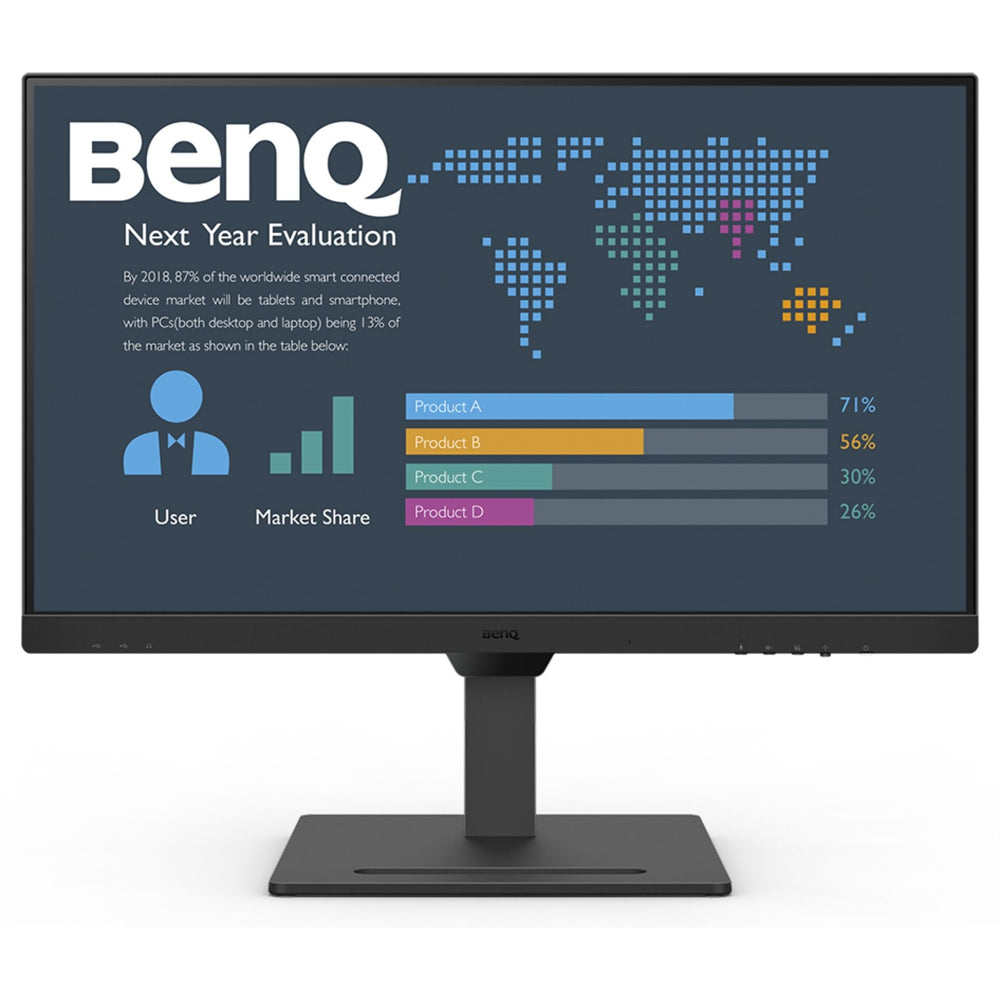
Maximize your productivity through simplicity
The BL2790QT makes it easier than ever to switch between devices and functions. All while keeping everything perfectly connected with the USB hub and USB-C cable. Minimize your cable clutter. With plenty of design options and outstanding quality, the BL2790QT is the perfect fit for any lifestyle.
Improve your workflow
Smart port positioning eliminates cable clutter. The single USB-C cable allows for fast data transfer and a 65W connection for your laptop at the same time.
Connect multiple monitors easily
Connect your computer to multiple monitors at once to have more space for your ideas. The BL2790QT offers you an easy way to expand your display thanks to daisy chain technology.
Outstanding Ergonomics
The ergonomic design of the BL2790QT makes it possible to rotate, tilt and adjust the height of the monitor. Furthermore, the pivot function allows the monitor to be rotated completely by 90 degrees to accommodate even large upright formats. So you always have the perfect picture and the right viewing angle.
See more details
2K QHD lets you see more on your monitor without sacrificing quality. Whether at work or play, the BL2790QT offers strong contrast and lifelike images.
We have a 14-day return policy, which means you have 14 days after receiving your item to request a return.
To be eligible for a return, your item must be in the same condition that you received it, unused, with packaging in tact. You’ll also need the proof of purchase or order number.
To start a return or to ask any questions about returns you can contact us at sales@hdewcameras.com or call us on 02086695668. Please note that returns will need to be authorised before you send the item to us. In this case the product must be unused and returned with a trackable postal service. Please note neither we or the supplier can cover the costs of returning an unwanted item. If you do want to return it please make contact first.
Get the latest updates on new products and upcoming sales
Thanks for subscribing!
This email has been registered!


You have copied the placement for the Product Page.
Go back to the App Embeds section, and in the Paypal Advanced Settings, paste the copied value into the Product Page field and click the 'Save' button in the top right corner.