



Subscribe to our newsletter
Get the latest updates on new products and upcoming sales
Lots of our best sellers now on sale!

Call Us On
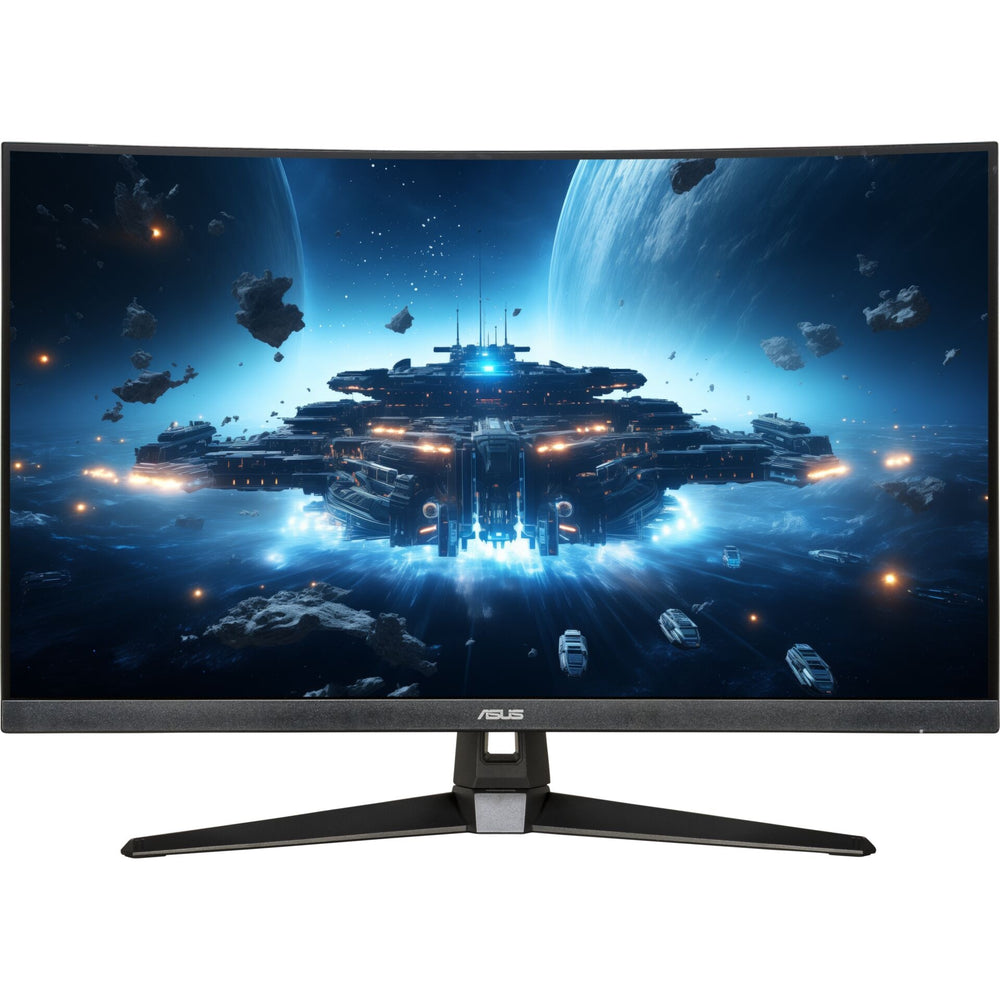
Experience gaming on a whole new level with the ASUS TUF Gaming VG32VQM5B. This monitor offers impressive image quality and a host of features that enhance your gaming experience.
Perfect image quality
With a screen size of 31.5 inches and an aspect ratio of 16:9, this monitor offers you a generous display area. The Full HD resolution ensures sharp and clear images, while the LED backlighting and Fast VA panel technology provide vivid colours and deep blacks.
Optimal gaming features
The ASUS TUF Gaming VG32VQM5B is equipped with a variety of gaming features that enhance your gaming experience. Adaptive-Sync technology ensures smooth, stutter-free images, while ELMB Sync technology reduces motion blur. With a response time of just 0.5 ms and a refresh rate of up to 250 Hz, you'll always be one step ahead.
Comfort and versatility
This monitor not only offers you excellent image quality, but also comfort and versatility. The anti-glare coating reduces reflections, while Low Blue Light technology protects your eyes. With built-in speakers and a variety of connection options, including HDMI and DisplayPort, you're well equipped.
Features:
We have a 14-day return policy, which means you have 14 days after receiving your item to request a return.
To be eligible for a return, your item must be in the same condition that you received it, unused, with packaging in tact. You’ll also need the proof of purchase or order number.
To start a return or to ask any questions about returns you can contact us at sales@hdewcameras.com or call us on 02086695668. Please note that returns will need to be authorised before you send the item to us. In this case the product must be unused and returned with a trackable postal service. Please note neither we or the supplier can cover the costs of returning an unwanted item. If you do want to return it please make contact first.
Get the latest updates on new products and upcoming sales
Thanks for subscribing!
This email has been registered!


You have copied the placement for the Product Page.
Go back to the App Embeds section, and in the Paypal Advanced Settings, paste the copied value into the Product Page field and click the 'Save' button in the top right corner.